ClassConnect: Simplifying Class Management and Communication
A modern approach to class coordination with instant updates, smooth attendance tracking and event calendars.
Team: Dynamic Alliance · CSE, RU
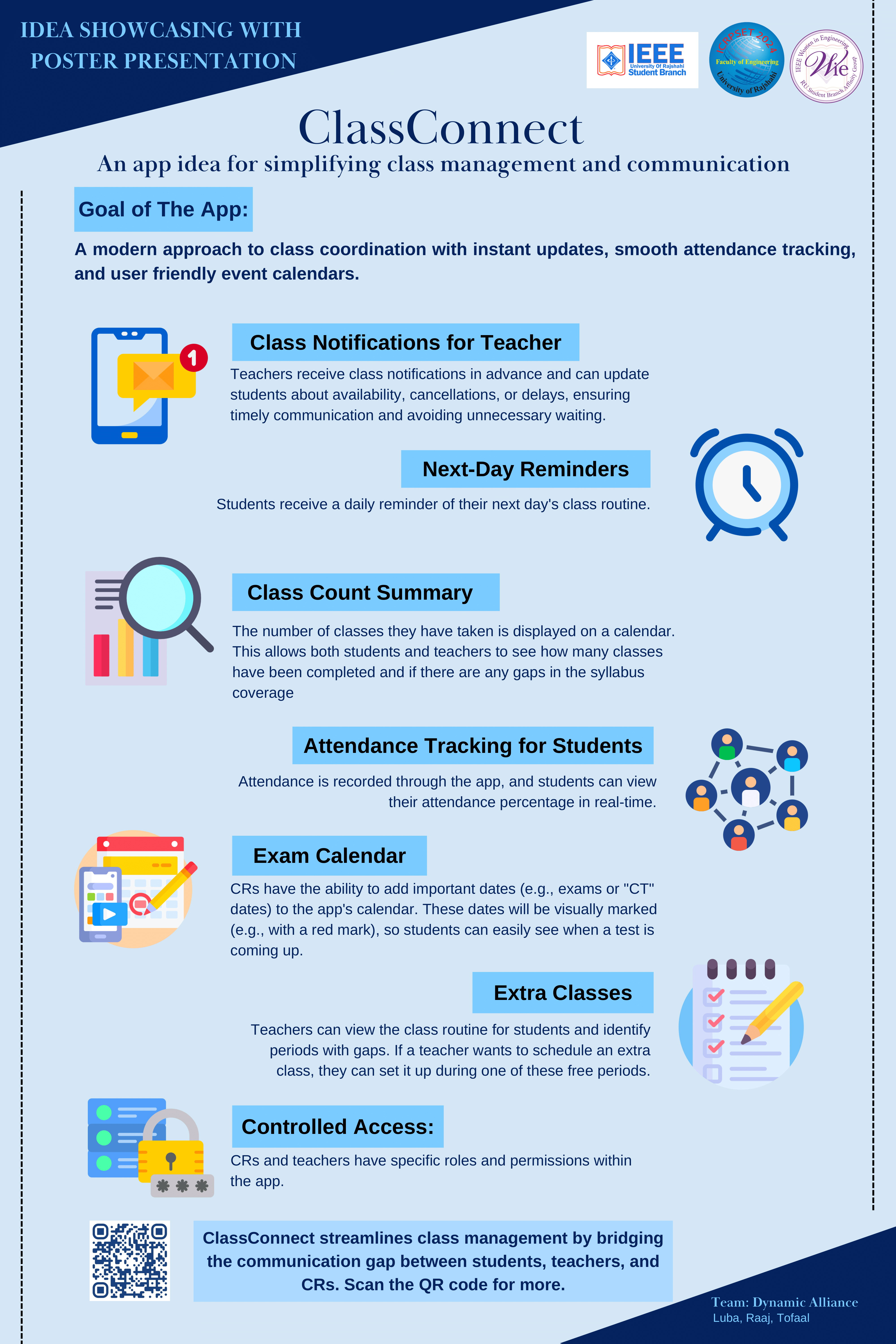
Features
Everything a class needs, in one place
Built around the people who run a class every day: teachers, Class Representatives and students.
Class Notifications for Teachers
Teachers send instant updates about availability, cancellations or delays, so nobody waits for a class that isn't happening.
Course Teacher
Today's class moved to 11:00 AM
Course Teacher
Tomorrow's lab is cancelled
Next-Day Reminders
Students get a daily reminder of tomorrow's routine so they arrive prepared.
Tomorrow
- 9:00Data Structures
- 10:00Discrete Math
- 12:00Physics Lab
Class Count Summary
A calendar of completed classes shows progress and any gaps in syllabus coverage.
Attendance Tracking
Attendance is recorded in the app, and students see their percentage in real time.
Exam Calendar
Class Representatives mark exams and CTs on a shared calendar that everyone can see.
Extra Classes
Teachers spot free periods in the routine and schedule extra classes in them.
9:00
Class
10:00
Class
11:00
Extra
12:00
Class
Controlled Access
Teachers, Class Representatives and students each get exactly the permissions they need.
Teacher
Notify · Attendance · Extra classes
Class Rep
Exam dates · Class updates
Student
View · Get reminders
Try it
Interactive demos
Play with a few of the core ideas behind ClassConnect.
Exam calendar
Tap a highlighted date
Attendance tracker
Drag the slider
31 of 40 classes attended
Role-based access
Switch roles
- View Classes
- Send Notifications
- Mark Attendance
- Schedule Extra Classes
- Update Exam Dates
- Receive Notifications
- View Attendance
How it works
From update to everyone's pocket
Four steps keep a whole class in sync.
- 1
Teacher sends an update
Class moved, cancelled or delayed: the teacher posts it in seconds.
- 2
Students are notified
Everyone in the class gets the update instantly on their phone.
- 3
CR adds an event
Class Representatives add exams, CTs or extra classes.
- 4
Calendar updates for all
The shared calendar refreshes so everyone has the latest schedule.
Scan me
Take the poster with you
Point your phone camera at the QR code to open the poster website and explore ClassConnect in more detail.